Insight Office
Insight Office
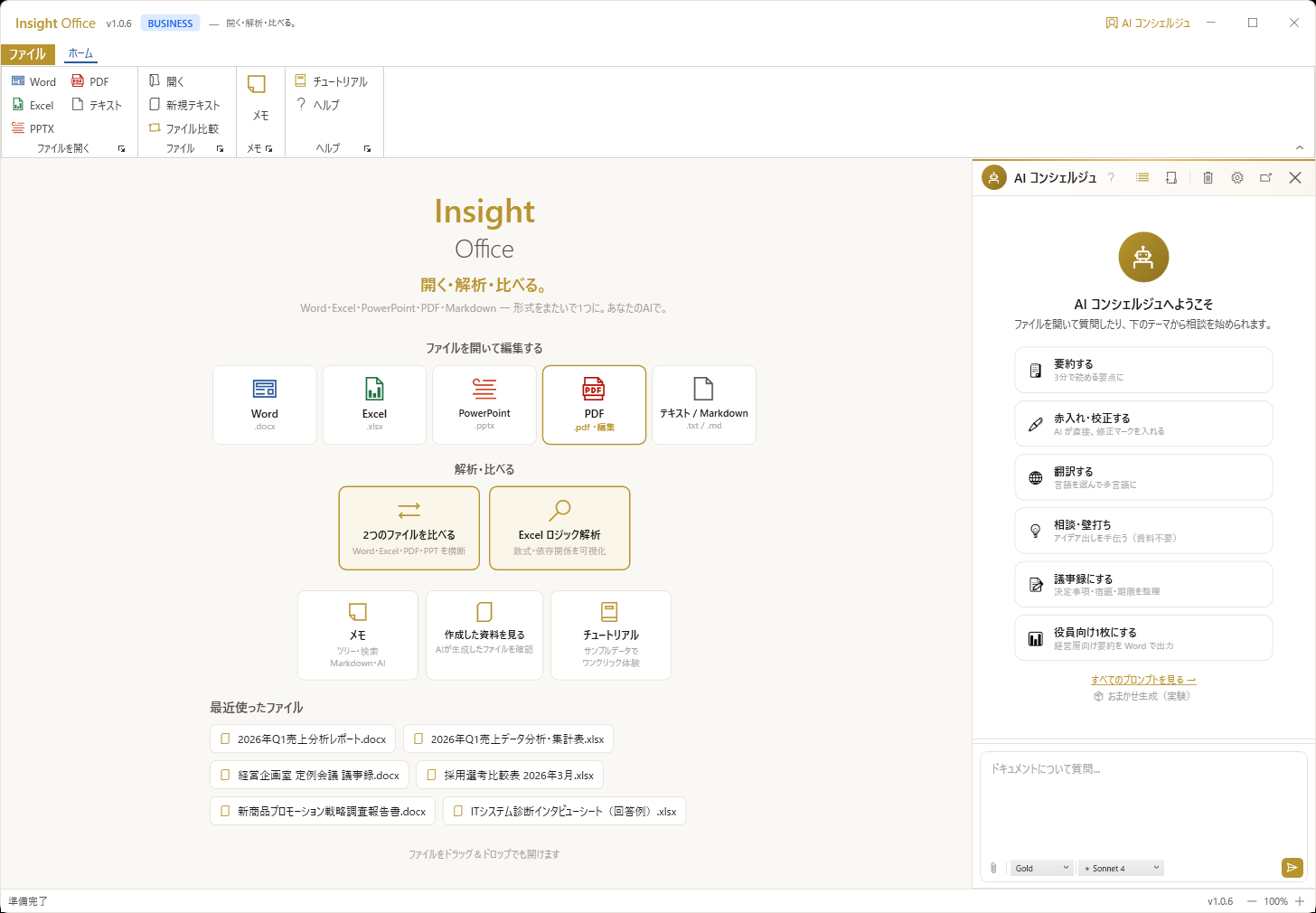
Open, analyze, compare. Word, Excel, PowerPoint, and PDF — in one app.
Insight Office brings Word, Excel, and PowerPoint into a single application with deeply integrated AI. No more switching between apps — open .docx, .xlsx, .pptx, and even PDF files in one unified workspace. AI analyzes, proofreads, translates, summarizes, and writes back into your documents. Cross-format analysis lets AI read your Excel data and draft a Word report, or review your PowerPoint against reference documents. Bring your own API keys (Claude, OpenAI, or Gemini) — no recurring AI subscription. Everything runs on your desktop.
Buy now
Free trial available · Invoice available at checkout
1 device · all features · annual subscription
1 device per seat · priority support · multi-seat available
Global pricing is billed in USD ($199 / $499). LemonSqueezy auto-converts to your local currency at checkout using the current exchange rate.
Development Background
Born from the question: "Why doesn't Office have this feature?"
Every day, knowledge workers toggle between Word, Excel, PowerPoint, and a web browser for AI. Each app is a silo — you can't ask AI to 'read this spreadsheet and draft a report' without manual copy-paste. We built Insight Office to break those walls: one desktop app that opens all Office formats, with AI that can see across all your open documents. Cross-format intelligence that actually works, without any cloud dependency.
MOVIE
Insight Office in 2 minutes
From PDF editing to all-format compare, Excel logic analysis, and the AI concierge.
▶ Click play to watch (subtitled)
How it works
Edit PDFs, compare & analyze, ask the AI — three screens tell the story.
Edit PDF
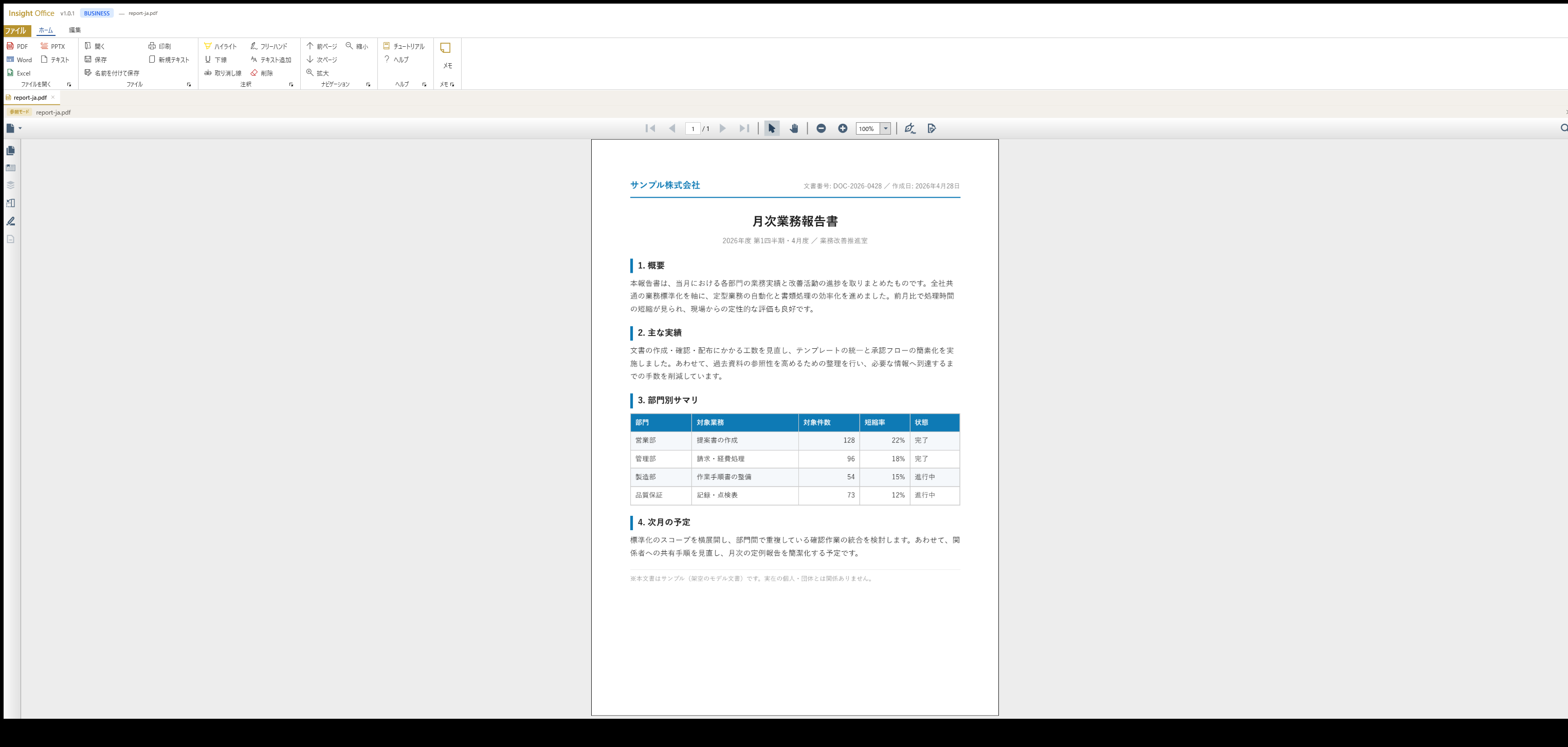
Annotate, add text, fill forms, and sign PDFs directly — full PDF editing at a yearly price, with no Acrobat subscription.
Compare & Analyze
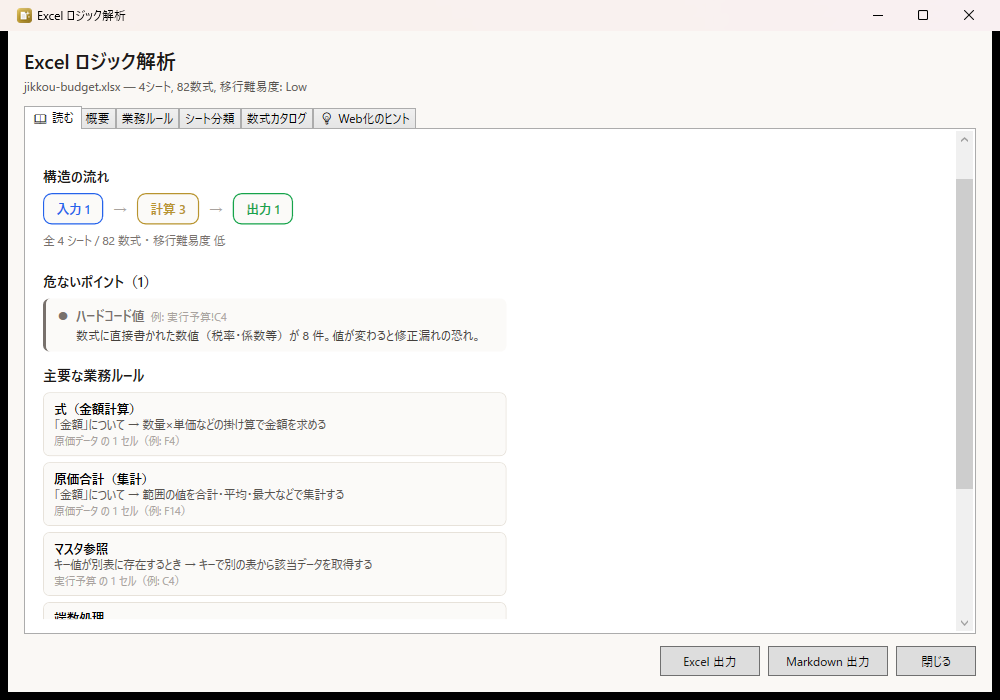
Open Word, Excel, PowerPoint, and PDF in one window. Diff any two files and reverse-engineer complex Excel logic — even that budget sheet nobody remembers building.
Ask AI
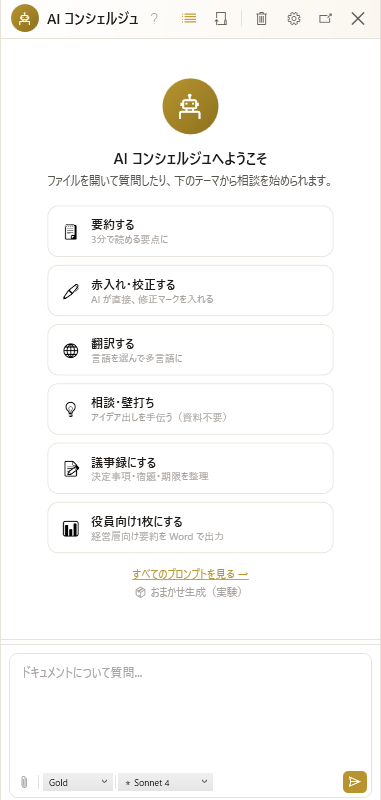
Ask the AI concierge to summarize, proofread, translate, or draft minutes — results write back into your document.
Key Features
Show all features (12)Collapse
File Compatibility & Limitations
Supported
- Word (.docx/.doc) — full editing with rich text, styles, headers, tables
- Excel (.xlsx/.xls/.csv) — full editing with formulas, charts, formatting
- PowerPoint (.pptx/.ppt) — viewing + slide operations + PDF export
- PDF — reference viewing for AI context
- Project files (.iaof) — custom archive with document + AI history + references
Notes & Limitations
- PowerPoint editing is limited to slide operations (add/duplicate/delete/move), not shape-level editing
- PDF text extraction is for AI reference only — no PDF editing
- VBA macros are preserved but not executed
- Embedded OLE objects may not render in the viewer
Real-World Use Cases
Implementation & Support Structure
Insight Business Suite is a self-developed product backed by certified partner-led deployment support. From requirements analysis and environment setup through user training and operational adoption, a dedicated team walks alongside you. Ongoing improvement proposals, update rollouts, and technical support ensure stable operations regardless of organization size.
AI you can trust — try it with your own files
Open your .xlsx or .pptx in the free version. See AI edit your documents — with anonymization protecting your data. Then scale with confidence.
Free version available — no credit card, no commitment